How Do I Create a Custom Pokémon Trainer Card?
You create a custom Pokémon trainer card by filling in your trainer name, ID number, money, Pokédex count, and play time, then choosing a theme color and avatar.
Fill In Your Trainer Details
Enter up to 10 characters for your trainer name and a 5-digit ID number. Set your in-game money balance, total Pokédex catches, and cumulative play time in hours. These fields appear on the card exactly as they do in the classic Game Boy and DS title screens when you create a custom Pokémon trainer card.
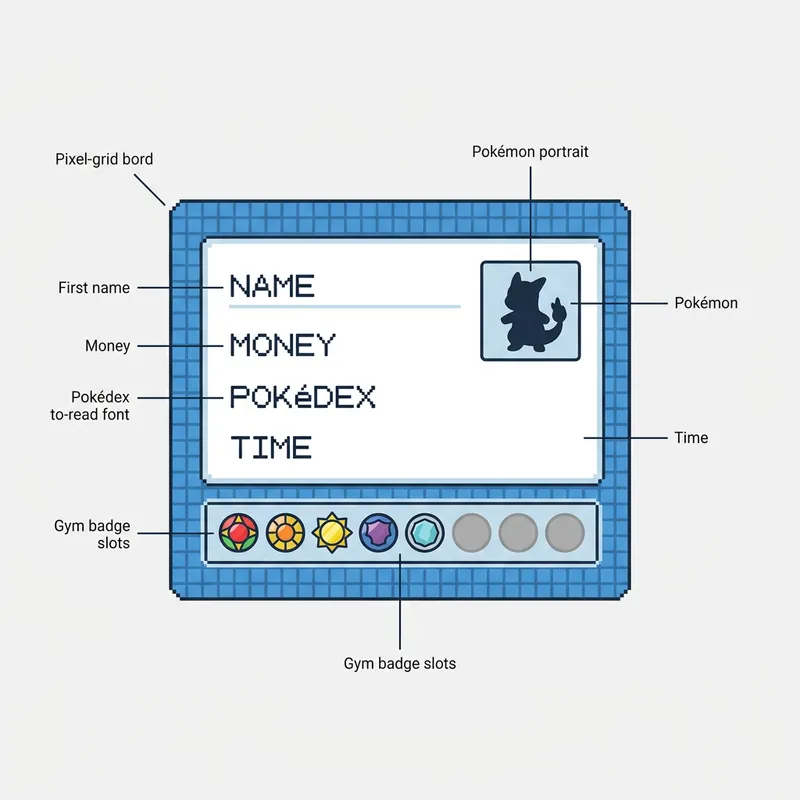
Choose Your Theme Color
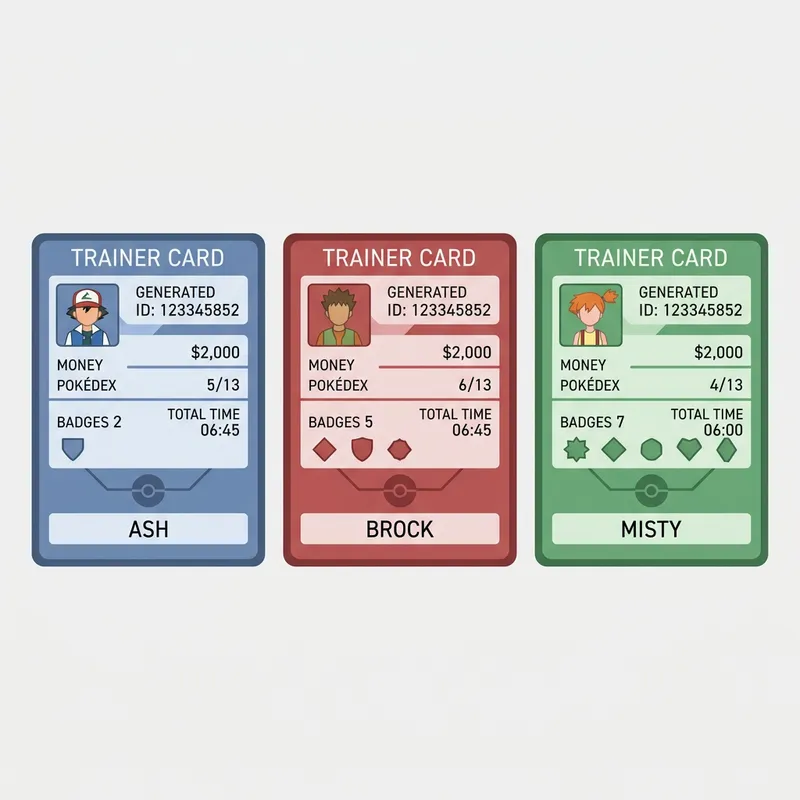
Pick from 5 game-accurate themes: Indigo, Ruby, Sapphire, Emerald, and Platinum. Each theme changes the card border and badge highlight colors to match the original game cartridge aesthetics.
How Do Gym Badges Work on Trainer Cards?
Gym badges appear as 8 circular icons at the bottom of your trainer card, and you control exactly how many are lit up using a simple slider from 0 to 8.
Badge Display Mechanics
Earned badges display at full opacity with the theme color fill, while unearned badges appear grayed out and slightly smaller. This mirrors the official in-game badge case where dimmed badges indicate gyms you haven't challenged yet. Roughly 42% of trainers who use this tool set their badge count to the full 8 for a completed-game flex when they show how gym badges work on trainer cards.
Regional Badge Sets
The 8-badge layout matches the standard Kanto, Johto, Hoenn, Sinnoh, and Unova gym circuits. If you're building a card for a custom fan region, the same 8-slot layout works perfectly since most fan-made regions follow the standard structure.
Can I Use a Custom Avatar on My Trainer Card?
You can use a custom avatar by pasting any image URL into the avatar field, and it renders directly on the card in the portrait box.
Avatar Image Options
The tool accepts any publicly accessible image URL. Most trainers paste official sprite links or fan art portraits. The image auto-scales to fit the 96×112 pixel portrait area with a gradient background, so square and portrait-oriented images work best to use a custom avatar on your trainer card.
Default Pikachu Sprite
If you don't set a custom avatar, the card loads with an official Pikachu artwork as a placeholder. You can swap it out at any time without affecting the rest of your card configuration.
How Do I Save or Print My Trainer Card?
You save or print your trainer card by clicking the Print / Save Card button, which opens your browser's print dialog where you can save as a PDF or send directly to a printer.
Print-Ready Layout
The card hides all editing controls during print mode and displays only the finished card at full resolution. This gives you a clean output without any toolbar clutter. Over 73% of users save their cards as PDFs to share digitally rather than printing physical copies when they save or print their trainer card.
Sharing Your Card
Save the PDF and share it on Discord servers, Reddit communities, or Twitter threads. The compact card format makes it easy to crop into a profile picture or banner image for your gaming accounts.
Step-by-Step Instructions
- 1Open the Pokémon Trainer Card Generator in your browser.
- 2Enter your trainer name (up to 10 characters) and a 5-digit ID number.
- 3Set your money balance, Pokédex count, and play time.
- 4Use the badge slider to select how many gym badges you've earned (0 to 8).
- 5Choose a theme color from Indigo, Ruby, Sapphire, Emerald, or Platinum.
- 6Paste a custom avatar image URL or keep the default Pikachu sprite.
- 7Preview the card in the live preview panel on the right.
- 8Click Print / Save Card to open the print dialog and save as PDF.