Minecraft Item Generator

Minecraft Item Generator

Create custom Minecraft items with enchantments, lore, and /give commands

GamingFreeNo Signup
4.3(252 reviews)
All Tools

Loading tool...

About Minecraft Item Generator

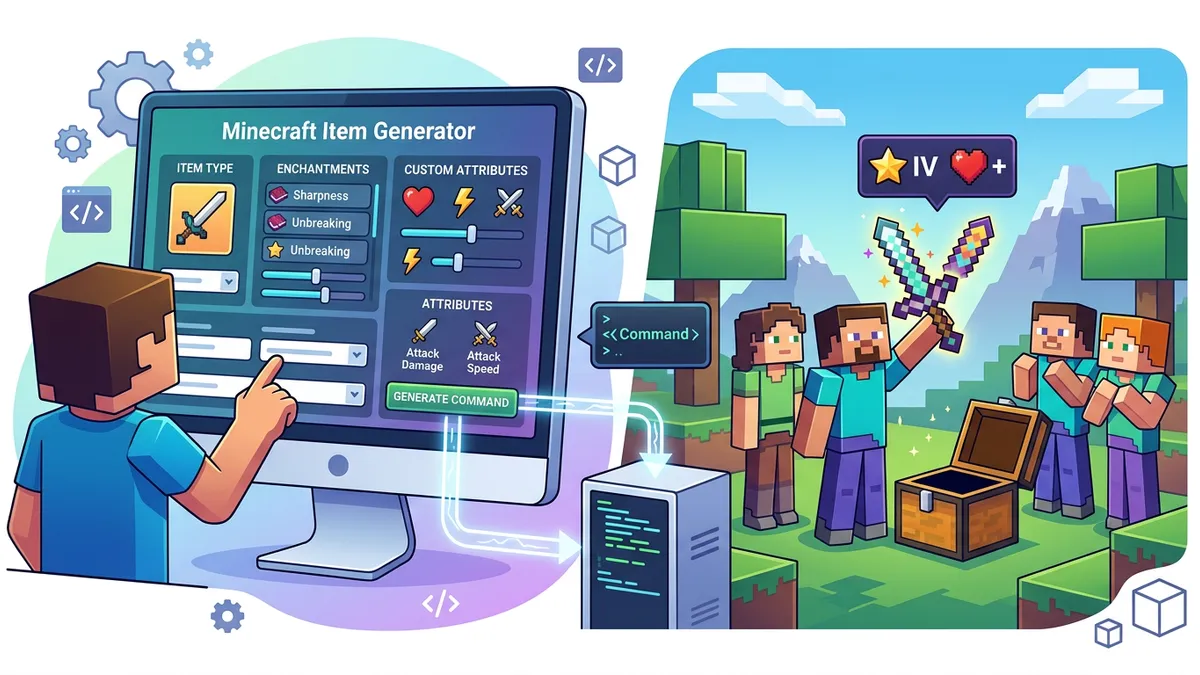
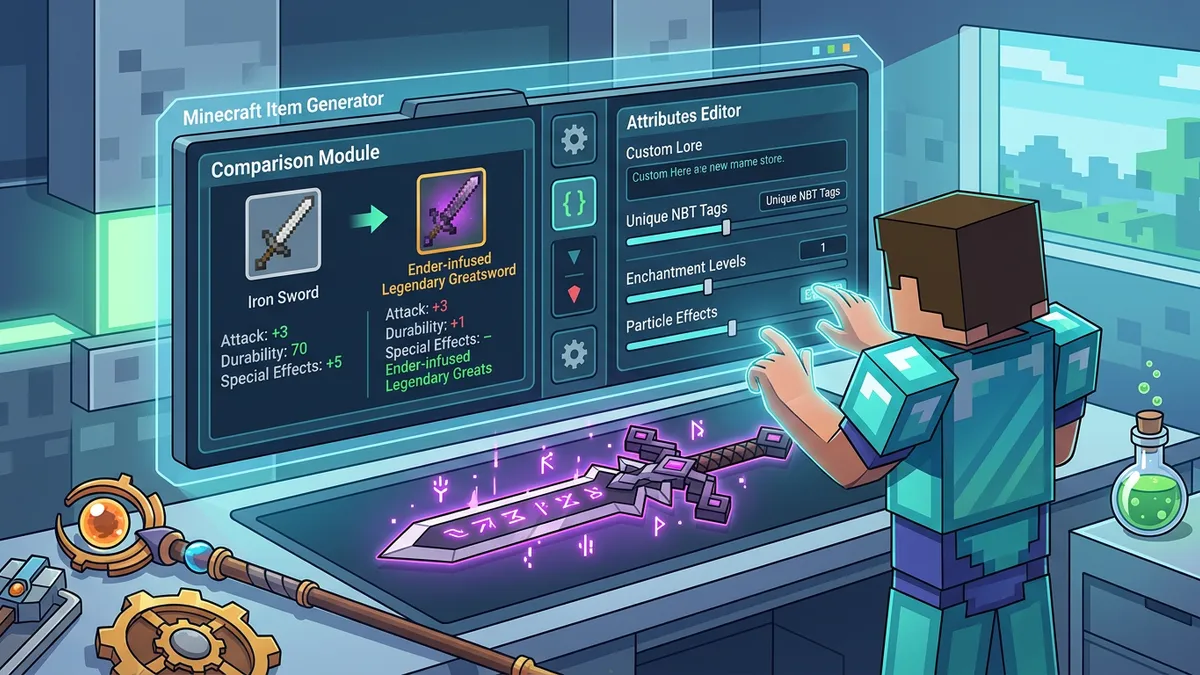
Create custom Minecraft items with this free online generator. Select from 80+ item types, add real enchantments with level selection, design colored tooltips with custom lore text, configure NBT tags like Unbreakable and HideFlags, and instantly generate valid /give commands for both Java and Bedrock Edition. Load presets for legendary weapons, admin tools, and kit equipment — or use the Random Item generator to create unique items. Perfect for map makers, server admins, datapack creators, and adventure map builders.

Minecraft Item Generator Features

  • 80+ Minecraft items across 6 categories
  • 38 real enchantments with level selection
  • Enchantment compatibility filtering
  • Custom display names with 16 color codes
  • Lore text editor with italic toggle
  • Live Minecraft tooltip preview
  • /give command generation
  • Java and Bedrock Edition support
  • 4 item presets (Legendary Sword, Admin Pickaxe, God Armor, Sniper Bow)
  • Random item generator
  • NBT flags: Unbreakable, HideFlags
  • Copy-to-clipboard command output
  • Amount selector (1-64)
  • No download or signup required
  • 100% client-side — no server processing
Custom items power every serious Minecraft server — from legendary weapons in adventure maps to color-coded kit equipment for ranked PvP. According to CurseForge, over 150,000 Minecraft server plugins and datapacks rely on custom item generation through /give commands and NBT tags. Our free Minecraft Item Generator lets you visually design items with real enchantments, colored names, custom lore text, and NBT properties, then instantly copy the valid /give command for Java or Bedrock Edition. Choose from 80+ item types, 38 enchantments with compatibility filtering, and 4 quick-start presets — no command syntax memorization needed.

How to Use the Minecraft Item Generator

Minecraft Item Generator showing custom tooltip with enchantments and /give command output

Our Minecraft item generator provides a visual interface for creating custom items without writing NBT code by hand. Here's a complete walkthrough:

Step 1 — Select Your Item Type

Click the Item Type dropdown to browse 80+ items organized into 6 categories: Weapons (swords, bows, crossbows, tridents, maces), Tools (pickaxes, axes, shovels, hoes), Armor (helmets, chestplates, leggings, boots, shields, elytra), Food & Potions, Special items (nether star, totem, ender pearl), and Blocks. Use the search bar to quickly find any item by name.

Step 2 — Customize the Display Name

Type a custom name and select a color from the 16 Minecraft color palette. The preview updates instantly to show exactly how the tooltip will look in-game. Each color matches Minecraft's official color codes — from §c Red (#FF5555) to §6 Gold (#FFAA00) to §b Aqua (#55FFFF).

Step 3 — Add Enchantments

Switch to the Enchantments tab to see all compatible enchantments for your selected item type. The generator automatically filters — a sword shows Sharpness, Smite, Fire Aspect, and Looting while a bow shows Power, Punch, Flame, and Infinity. Click any enchantment to add it, then use the Roman numeral buttons (I through V) to set the level. All 38 vanilla enchantments are included with their correct maximum levels.

Step 4 — Write Lore Text

The Lore & NBT tab lets you add unlimited lore lines with individual color and italic formatting per line. Common patterns: gray non-italic text for stat lines ("Attack Damage: +15"), red or gold italic text for flavor descriptions ("Forged in the flames of the Ender Dragon"), and green text for positive effects.

Step 5 — Configure NBT Flags

Toggle Unbreakable to make the item indestructible. Use HideFlags to hide the enchantment list or "Unbreakable" text from the tooltip — useful for creating clean-looking items where the lore tells the full story.

Step 6 — Copy the /give Command

Switch to the Command tab to see the complete, valid /give command with all NBT data. Toggle between Java and Bedrock edition syntax. Click Copy Command to copy it to your clipboard, then paste it directly into Minecraft's chat or a command block.

Minecraft /give Command Syntax Guide

The /give command is how operators and command blocks create items in Minecraft. Understanding the syntax helps you customize items beyond what generators offer. According to the Minecraft Wiki, the basic format differs between editions:

Java Edition Syntax (1.13+)

Modern Java Edition uses JSON text components for display properties:

  • /give @p minecraft:diamond_sword{display:{Name:'[{"text":"Excalibur","color":"gold","italic":false}]'}} 1
  • The display tag contains Name (JSON text) and Lore (array of JSON text)
  • Enchantments use: Enchantments:[{id:"minecraft:sharpness",lvl:5}]
  • NBT tags like Unbreakable:1b and HideFlags:1 modify item behavior

Bedrock Edition Syntax

Bedrock Edition's /give command has limited NBT support compared to Java:

  • /give @p diamond_sword 1 0 — basic item with amount and data value
  • Custom names and lore require add-ons or behavior packs rather than inline NBT
  • For complex items, Bedrock creators use .json files in behavior packs with the minecraft:display_name and minecraft:lore components

HideFlags Reference

Flag ValueHides
1Enchantments
2Attribute Modifiers
4"Unbreakable" text
8CanDestroy info
16CanPlaceOn info
32Additional tooltip info
63Everything (combine all flags)

Flag values are additive — to hide both enchantments and "Unbreakable", use HideFlags:5 (1 + 4). Our generator handles this math automatically when you toggle the checkboxes.

Complete Minecraft Enchantment Guide for Custom Items

Minecraft enchantment table showing all available enchantments organized by item type

Minecraft has 38 enchantments across all item types, each with specific compatibility rules that our generator enforces automatically. Mojang's enchantment system, largely designed by Jens "Jeb" Bergensten, assigns each enchantment to one or more item slots with a defined maximum level.

Weapon Enchantments

EnchantmentMax LevelItemsEffect
SharpnessVSword, Axe+1.25 damage per level
SmiteVSword, Axe+2.5 damage vs undead per level
Fire AspectIISwordSets target on fire (4s per level)
LootingIIISwordIncreases mob drops
Sweeping EdgeIIISwordIncreases sweep attack damage
KnockbackIISwordIncreases knockback distance

Tool Enchantments

EnchantmentMax LevelItemsEffect
EfficiencyVPick, Axe, Shovel, HoeIncreases mining speed
FortuneIIIPick, Axe, Shovel, HoeIncreases block drops
Silk TouchIPick, Axe, Shovel, HoeMines blocks in original form

Universal Enchantments

Unbreaking (I-III) and Mending (I) work on any enchantable item. Unbreaking provides a chance to avoid durability loss — at level III, tools last roughly 4× longer. Mending converts experience orbs into durability, making items effectively permanent when combined with an XP farm.

Enchantment Conflicts

Some enchantments cannot coexist on the same item in vanilla Minecraft. Key conflicts include: Sharpness vs Smite vs Bane of Arthropods, Fortune vs Silk Touch, Infinity vs Mending, and Protection vs specific protection types. Our generator doesn't restrict conflicts — you can create "unobtainable" combinations using /give commands for special map items.

Custom Item Use Cases for Servers and Maps

Custom items are the foundation of professional Minecraft servers and adventure maps. According to bStats, over 35,000 active Minecraft servers run item-customization plugins. Here are the most popular applications:

Adventure Maps & RPG Servers

Create legendary weapons with custom names, enchantments, and lore that tell a story. Example: a netherite sword named "Dragon's Bane" in gold text with Sharpness V, Fire Aspect II, and italic lore "Forged in the breath of the Ender Dragon — only the worthy may wield it." Professional adventure maps use 50-200+ custom items to build an immersive experience.

Server Kits & Rank Equipment

Design color-coded equipment for different ranks: Gold name for VIP, Aqua for Moderator, Red for Admin. Each kit item gets the rank name and permissions described in the lore text. Our presets include ready-made kit items you can customize.

Economy & Shop Systems

For servers running economy plugins like EssentialsX or ShopGUI+, custom items with detailed lore serve as product displays. Include the item's stats, price, and rarity tier in the lore lines so players can evaluate items before purchasing.

Event Trophies & Rewards

Award custom trophy items for PvP tournaments, building competitions, or seasonal events. Include the event name, date, winner's IGN, and a unique color scheme. Setting the item as Unbreakable ensures the trophy persists as a permanent keepsake.

Datapack & Command Block Systems

Datapack creators use custom items as triggers — right-clicking a custom named carrot-on-a-stick can execute datapack functions. The item's CustomModelData NBT tag maps to specific resource pack models, enabling entirely new items without mods.

Minecraft Item Generator vs Other Command Tools

Several tools exist for generating Minecraft item commands. Here's how our free browser-based generator compares to the major alternatives:

FeatureOur GeneratorGamerGeeksMisodeMCStacker
PriceFree, no signupFree (ads)Free (open-source)Free (ads)
Item Selection80+ items, 6 categoriesAll itemsAll items (JSON)All items
Enchantments38 with compatibility filterAll enchantmentsAll (raw JSON)All enchantments
Visual PreviewLive Minecraft tooltipNo previewNo previewNo preview
Presets4 + Random generatorNoneNoneNone
Bedrock SupportYes (basic)Java onlyJava onlyBoth editions
Learning CurveVisual, beginner-friendlyForm-basedTechnical (JSON)Form-based
Best ForQuick items with previewDetailed commandsAdvanced datapacksAll command types

When to use our generator: You need a fast, visual way to create custom items with instant tooltip preview and copy-paste commands. The preset system and random generator make it ideal for rapid prototyping.

When to use GamerGeeks or MCStacker: You need access to every possible NBT tag including attribute modifiers, potion effects, or book content. These form-based tools offer more granular control at the cost of simplicity.

When to use Misode: You're building complex datapacks and need raw JSON item definitions with full schema validation. Misode targets advanced developers comfortable with Minecraft's internal data formats.

Step-by-Step Instructions

  1. 1Open the Minecraft Item Generator in your browser — no download, login, or mods needed.
  2. 2Browse 80+ items across 6 categories (Weapons, Tools, Armor, Food, Special, Blocks) or search by name.
  3. 3Type a custom display name and select a color from 16 Minecraft color codes.
  4. 4Switch to the Enchantments tab and add enchantments — only compatible ones are shown per item type.
  5. 5Set enchantment levels using the Roman numeral buttons (I through V or higher).
  6. 6Open the Lore & NBT tab to add lore lines with individual colors and italic formatting.
  7. 7Toggle Unbreakable and HideFlags as needed for clean tooltip styling.
  8. 8Preview your item in the live Minecraft tooltip on the right panel.
  9. 9Switch to the Command tab, select Java or Bedrock edition, and copy the /give command.
  10. 10Paste the command into Minecraft chat or a command block to create your custom item.

Minecraft Item Generator — Frequently Asked Questions

Does the Minecraft Item Generator work with Bedrock Edition?+

Yes — our generator supports both Java and Bedrock Edition command syntax. Toggle between editions in the Command tab or the Item & Name tab. Note that Bedrock Edition has limited NBT support compared to Java, so features like custom names and lore require add-ons or behavior packs rather than inline NBT tags in most cases.

How many enchantments can I add to one item?+

There's no limit when using /give commands — you can add all 38 enchantments to a single item if you want. In vanilla survival Minecraft, the anvil and enchanting table have level cost limits, but /give commands bypass these restrictions entirely. Our generator lets you add any combination of enchantments regardless of conflicts.

What is the /give command format for Minecraft Java Edition?+

The Java Edition /give command format is: /give @p minecraft:item_id{NBT_data} amount. NBT data includes display (Name, Lore), Enchantments (array of id+lvl objects), Unbreakable:1b, and HideFlags. Since Minecraft 1.13, item names use JSON text components with color, italic, and bold properties.

Can I create items with enchantments that don't normally go together?+

Yes — the /give command bypasses all enchantment conflict rules. You can combine Sharpness V with Smite V, or Infinity with Mending, even though the anvil prevents this. Our generator doesn't restrict conflicting enchantments, making it ideal for adventure maps and custom servers where unique items need unusual enchantment combinations.

What are HideFlags in Minecraft NBT data?+

HideFlags is an NBT integer that controls which tooltip information is hidden. Flag 1 hides enchantments, 2 hides attribute modifiers, 4 hides 'Unbreakable' text, 8 hides CanDestroy, 16 hides CanPlaceOn, and 32 hides additional info. Values are additive — HideFlags:63 hides everything. Our generator provides checkboxes for the most common flags.

How do I make an unbreakable item in Minecraft?+

Add {Unbreakable:1b} to your /give command's NBT data. Our generator has an Unbreakable checkbox in the Lore & NBT tab that automatically adds this tag. To also hide the 'Unbreakable' text from the tooltip, enable the 'Hide Unbreakable text' checkbox which adds HideFlags:4.

Can I use this generator for Minecraft datapacks?+

The /give command output works directly in command blocks and functions. For datapack item definitions, you may need to convert the NBT format to the datapack's JSON structure. The enchantment IDs and NBT tags our generator uses match the official Minecraft namespaced IDs (e.g., minecraft:sharpness), ensuring compatibility with datapack systems.

What is CustomModelData in Minecraft?+

CustomModelData is an NBT integer tag that maps items to custom 3D models defined in resource packs. By assigning a unique number (e.g., CustomModelData:1234567), you can make a diamond sword display as an entirely different 3D model. This is how servers create custom weapons, furniture, and decorations without mods — using resource packs with overridePredicates.

How do I add custom item attributes like extra damage?+

Item attributes use the AttributeModifiers NBT tag. For example, adding +10 attack damage: AttributeModifiers:[{AttributeName:'generic.attack_damage',Name:'custom',Amount:10,Operation:0,UUID:[I;1,2,3,4],Slot:'mainhand'}]. Common attributes include attack_damage, attack_speed, max_health, movement_speed, and armor.

Do custom items work in multiplayer servers?+

Yes — /give commands work on any server where you have operator permissions or access to command blocks. For Spigot and Paper servers, plugins like EssentialsX, ItemsAdder, and MMOItems provide additional custom item features beyond vanilla NBT. The commands our generator creates are 100% vanilla-compatible and work on any unmodified server.

Share this tool: