How Do I Make a Custom Pokémon Card?
Type a Pokémon name into the search bar, pick a card style, and customize your attacks. The whole thing takes about 30 seconds.
Search or Start Blank
The search bar queries PokeAPI's database of 1,025+ species from all 9 generations. Type "Charizard", "Mewtwo", or even a Pokédex number like "6" and hit Enter. The generator auto-fills official artwork, HP (calculated from base stats), Pokédex entry, type, weakness, abilities, and move names.
Or ignore the search and fill everything manually. You control the name, HP, type, image URL, attacks, and every stat field.
Pick Your Card Style
You get 5 era-accurate designs:
- Classic — Yellow border from the 1999 Base Set era.
- GX — Full-art layout with a dedicated GX attack slot (Sun & Moon, 2016).
- VMAX — Borderless Dynamax glow with vibrant purple aura (Sword & Shield, 2020).
- V — Sleek black borders with dynamic overlays.
- ex — Modern purple accents from the Scarlet & Violet era (2023).
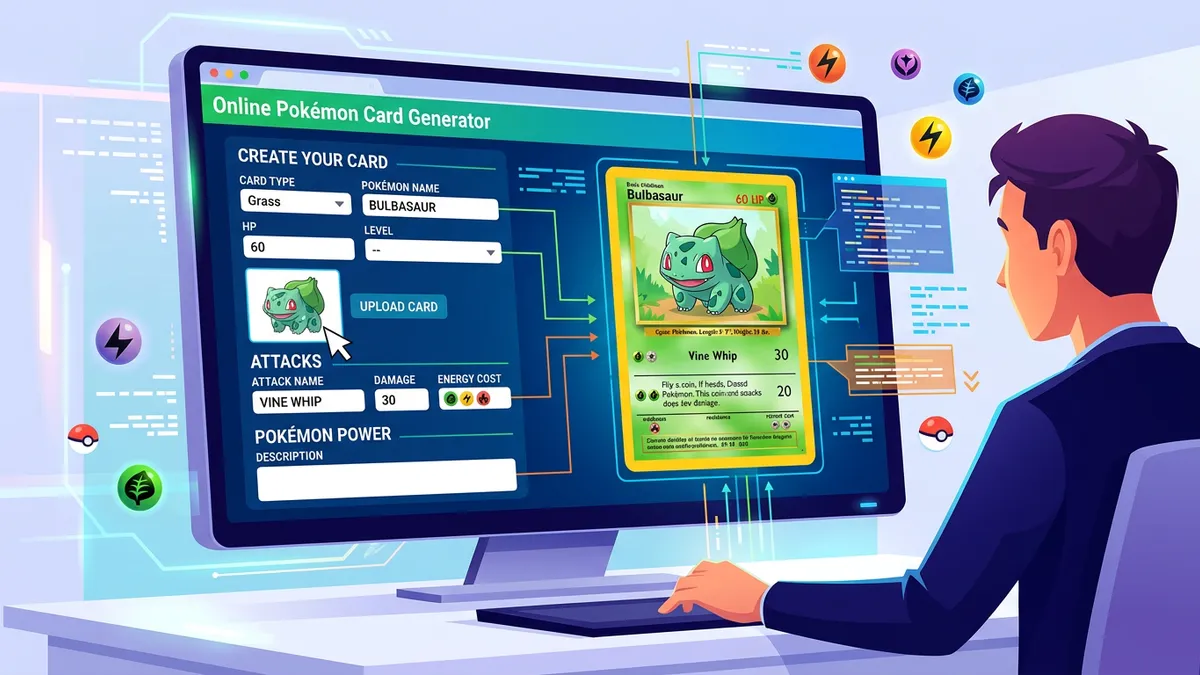
Design Your Attacks
Set up to 2 attacks with custom names, damage values, descriptions, and energy costs (1–4 symbols). GX cards automatically add a third GX attack at the bottom with the "once per game" rule text.
Export
Hit Download PNG for a 1050×1470 pixel image at 3x resolution. That's well above 300 DPI at standard card size (2.5" × 3.5"). No watermarks.
What Are the Differences Between Classic, GX, VMAX, V, and ex Cards?
Each style matches a real TCG era with different borders, art frames, HP ranges, and prize card rules.
| Style | Art Type | Max HP | Special Rule |
|---|---|---|---|
| Classic | Boxed Portrait | 120 | Standard knockout (1 prize) |
| GX | Full-Art Split | 250 | GX attack once per game (2 prizes) |
| VMAX | Dynamax Full-Art | 340 | Dynamax rule (3 prizes) |
| V | Extended Frame | 220 | V rule (2 prizes) |
| ex | Modern Dual-Foil | 340 | ex knockout rule (2 prizes) |
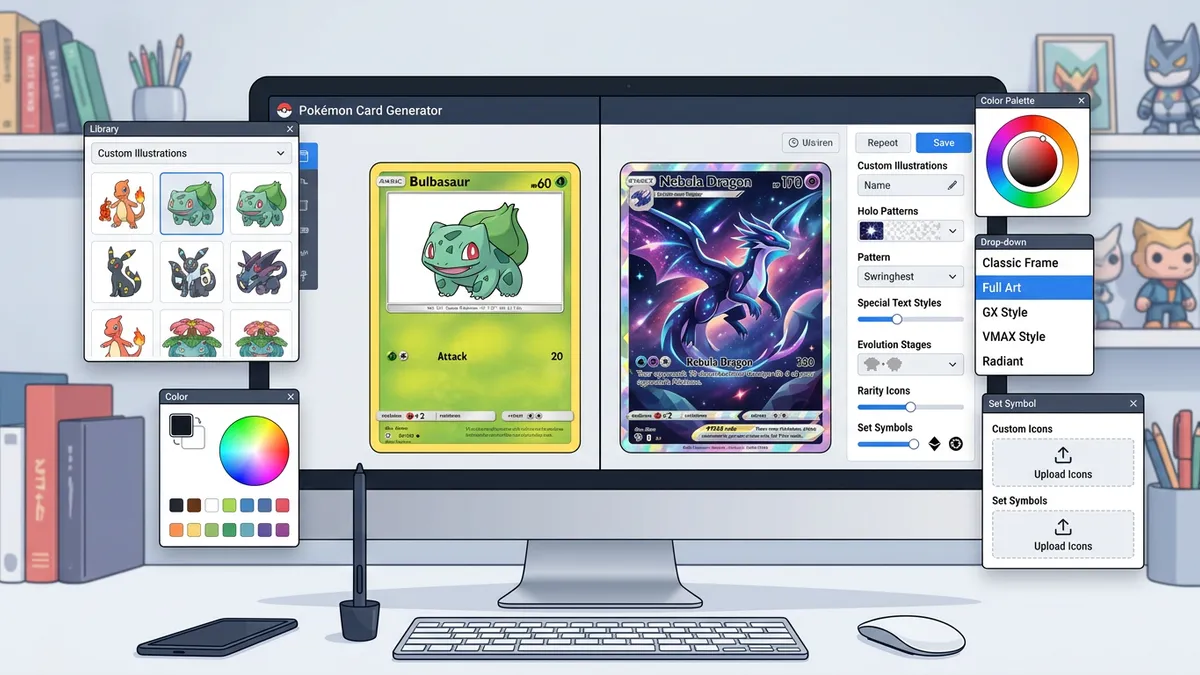
Holographic Effects
Toggle the holo foil on or off with one click. The effect applies an animated gradient overlay across the entire card face using CSS blend modes. It mimics the rainbow shimmer you see on real holographic pulls.
Card Metadata
Set the illustrator credit, rarity symbol (★, ★★, or ★★★), and set number like "025/151". These small details make custom cards look convincingly authentic.
How Do I Balance Custom Stats and Attacks?
You keep custom card stats balanced by aligning them with official TCG HP and damage limits from each design era.
HP Ranges by Stage
Assign HP based on the Pokémon's stage and card style. Basic Pokémon usually have 30 to 70 HP. Stage 1 cards range from 80 to 120 HP, while Stage 2 cards go up to 180 HP. Modern specialty styles like VMAX and ex push HP limits up to 340. Giving a Basic card 300 HP breaks the game unless you include a major drawback like giving up multiple prize cards on knockout.
Damage and Energy Scaling
Scale attack damage based on energy requirements. A single-energy attack should deal 10 to 30 damage, or offer a utility effect like drawing cards. Two-energy attacks average 40 to 80 damage. High-damage moves dealing 150 to 220 damage should require 3 or 4 energy cards and include secondary costs, like discarding energy or dealing self-damage.
Weakness and Resistance Rules
Set weakness multipliers to ×2 for standard matching types (e.g. Fire weak to Water). Keep resistance to a flat -30 damage. Giving your custom card multiple resistances or custom multipliers makes it unplayable in standard proxy drafts. Stick to these standard TCG rules to make your custom cards feel authentic during casual matchups.
How Do I Print Custom Pokémon Cards?
Download the PNG and print at 2.5" × 3.5" on 300gsm cardstock.
Resolution
The generator exports at 1050×1470 pixels (3x scale). At standard Pokémon card dimensions of 63mm × 88mm (2.5" × 3.5"), that gives you over 300 DPI for sharp, print-ready output.
Printing Steps
Use a high-quality inkjet or laser printer. Arrange 9 cards in a 3×3 grid on a letter-size page for bulk runs. Cut to 63mm × 88mm exactly. Sleeve each printed card inside a standard card sleeve with a real card behind it for proper shuffle thickness.
Honest caveat: the holo foil effect won't translate to print. But for casual play, proxy testing, and fan projects, the printed output looks great.
Sharing
Use the Copy button to export card data as formatted text. It copies the name, HP, type, attacks, damage, weakness, resistance, and Pokédex entry. Paste it straight into Discord, Reddit, or a spreadsheet.
Step-by-Step Instructions
- 1Open the Pokémon Card Generator — it's free, runs in your browser, no downloads needed.
- 2Search for any Pokémon by name or Pokédex number, or click Randomize for instant AI-style generation.
- 3Select a card style: Classic, GX, VMAX, V, or ex.
- 4Set the energy type from 11 options: Grass, Fire, Water, Lightning, Psychic, Fighting, Dark, Metal, Fairy, Dragon, or Colorless.
- 5Customize the card name, HP, stage (Basic/Stage 1/Stage 2/MEGA), and image URL.
- 6Design up to 2 attacks with names, damage values, descriptions, and energy costs.
- 7Set weakness, resistance, and retreat cost in the Stats panel.
- 8Toggle the holographic foil effect on or off.
- 9Click Download PNG to export at 3x resolution, or Copy to share card data as text.