How Do I Make a Custom Yu-Gi-Oh! Card?
Pick a card frame, fill in your stats, and hit download. The whole process takes under 60 seconds.
Search a Real Card or Start Blank
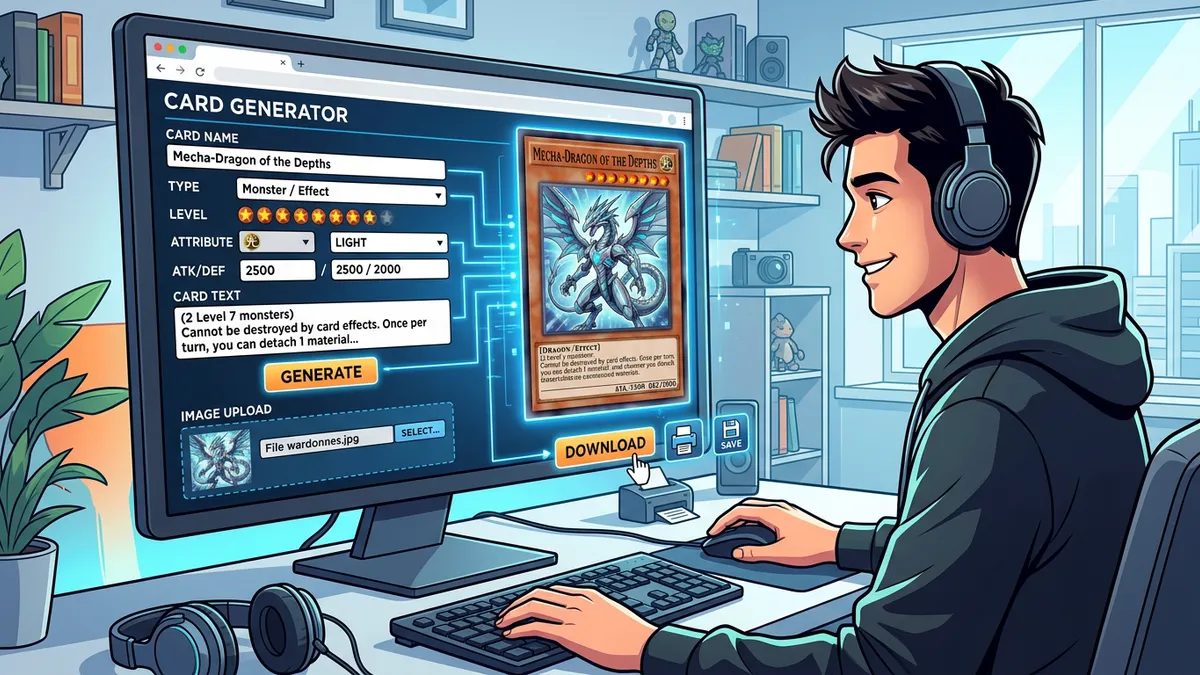
Type any card name into the search bar. "Dark Magician", "Stardust Dragon", "Ash Blossom" — the YGOPRODeck API returns official artwork, stats, effect text, attribute, and monster type instantly. The database holds over 12,000 entries maintained by the community.
Or skip the search entirely and fill every field yourself. You control the name, attribute, level, type line, effect text, ATK, and DEF. The card preview updates as you type.
Pick Your Frame
You get 10 frame options: Normal (yellow), Effect (orange), Fusion (purple), Synchro (white), Xyz (black), Link (blue), Pendulum (green gradient), Ritual (light blue), Spell (green), and Trap (pink). Each one matches the authentic TCG color scheme from Konami's official designs.
Hit Randomize
Don't have a concept yet? The randomizer builds a complete card from scratch. It generates procedural names, picks a random frame, assigns ATK/DEF in multiples of 50, and writes thematic effect text. Every click gives you something new.
What Are the Different Yu-Gi-Oh! Card Frame Types?
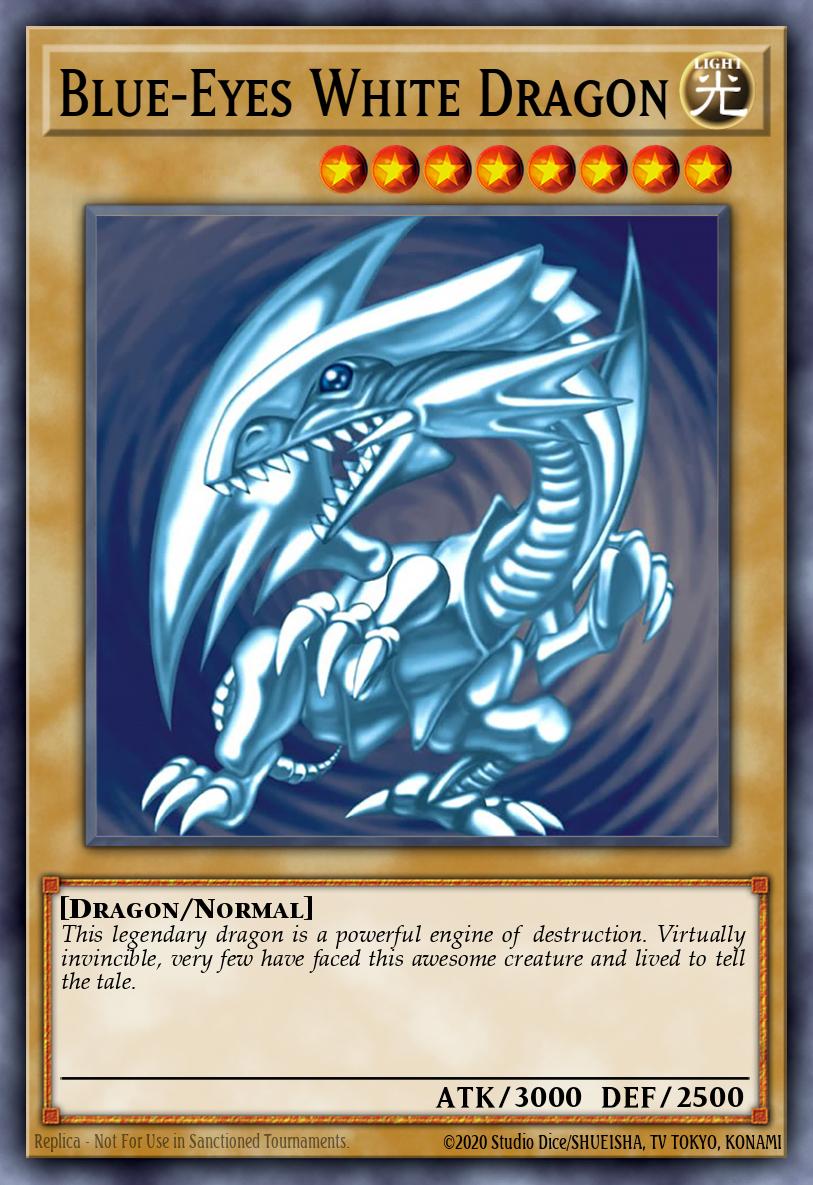
Yu-Gi-Oh! has 10 distinct card frame types, each tied to a specific summoning mechanic or card category.
| Frame | Color | Summon Method | Unique Mechanic |
|---|---|---|---|
| Normal | Yellow | Normal Summon | Flavor text only, no effects |
| Effect | Orange | Normal Summon | Activated or continuous effects |
| Fusion | Purple | Fusion Summon | Requires specific materials + Polymerization |
| Synchro | White | Synchro Summon | Tuner + non-Tuner, levels must add up |
| Xyz | Black | Xyz Summon | Rank instead of Level, detaches materials |
| Link | Blue | Link Summon | Link Arrows, no DEF stat |
| Pendulum | Green gradient | Pendulum Summon | Dual zones, Pendulum Scales 0–13 |
| Ritual | Light Blue | Ritual Summon | Needs a matching Ritual Spell |
| Spell | Green | — | Activate from hand or field |
| Trap | Pink | — | Must be Set first, then activated |
Link Arrows
Link Monsters dropped in Code of the Duelist (2017). They don't have DEF. Instead, you configure Link Arrows on a 3×3 directional grid — 8 possible positions. Active arrows glow red in the preview. The Link Rating auto-calculates from your arrow count.
Pendulum Scales
Pendulum Monsters arrived in Duelist Alliance (2014). They sit in both Monster Zones and Pendulum Zones. You set left and right scale values (0–13) and write a separate Pendulum Effect. The preview renders the signature half-monster, half-spell gradient frame.
What Yu-Gi-Oh! Card Rarities Can I Use?
You get 6 rarity tiers, each with a different visual foil treatment applied through CSS blend modes.
- Common — No foil. Plain card.
- Rare — Silver foil on the card name only.
- Super Rare — Holographic overlay across the artwork.
- Ultra Rare — Gold name foil plus holographic artwork.
- Secret Rare — Rainbow prismatic foil across the entire card face.
- Starlight Rare — Premium multi-color gradient shimmer with textured foil.
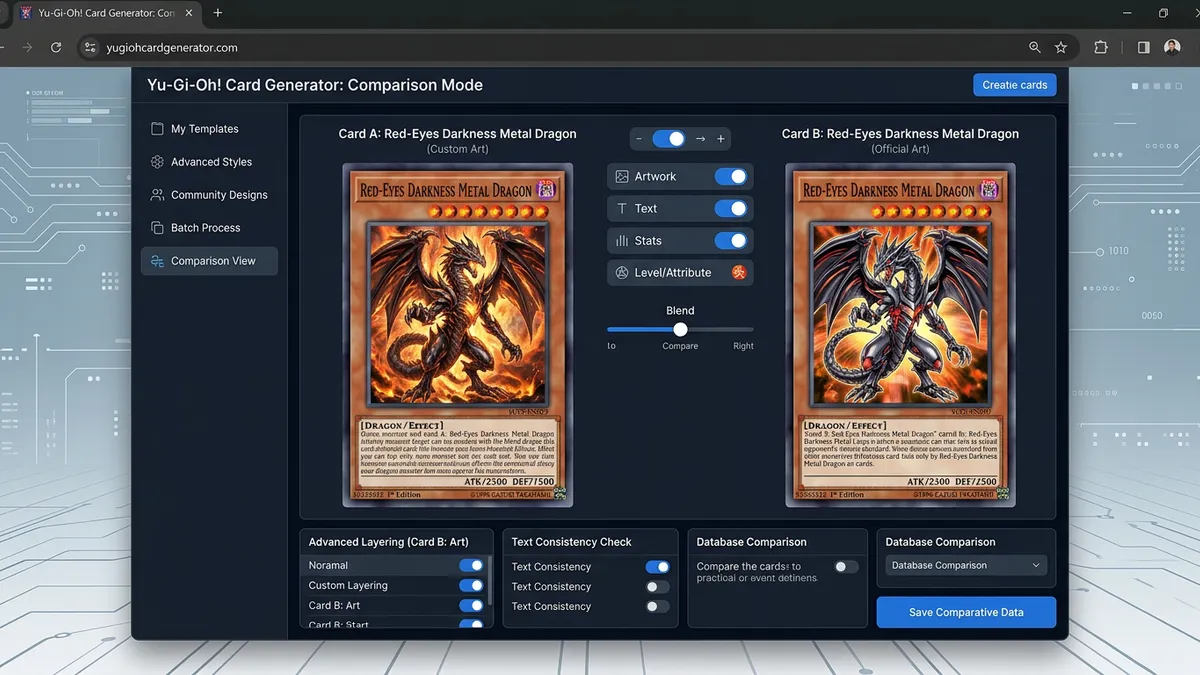
Toggle the foil effect on or off with a single click. The effect renders in real time so you can compare versions instantly.
Full Art Mode
Flip the full-art toggle and the artwork border disappears. The image extends edge-to-edge with a shortened text box. This matches the look of OCG Anniversary Collection promos and tournament prize cards.
Card Metadata
Set the 8-digit serial number, pick 1st Edition or Unlimited, and enter a custom set code like LOB-EN001. Small details, but they make fan cards look authentic.
How Do I Print Custom Yu-Gi-Oh! Cards?
Download the PNG and print it on 300gsm cardstock at the right dimensions.
Export Resolution
The download button renders your card at 3x resolution — that's 1140×1662 pixels. At standard Yu-Gi-Oh! card dimensions of 59mm × 86mm, you're well above the 300 DPI threshold for sharp printing.
Printing Tips
Use a high-quality inkjet or laser printer. Cut to 59mm × 86mm exactly. Sleeve the printed card inside an official-size card sleeve with a real card behind it for proper shuffle weight.
For bulk runs, arrange 9 cards in a 3×3 grid on a standard letter-size page. Most print shops accept RGB PNGs and handle the CMYK conversion automatically.
One honest limitation: custom prints won't match the exact foil texture of factory-produced cards. But for casual play, proxy testing, and fan content, they're more than good enough.
What Can I Do With Custom Yu-Gi-Oh! Cards?
More than you'd think. Custom cards aren't just for decoration.
Custom Cube Drafting
Build a self-contained 360-card cube with balanced archetypes across all frame types. The r/yugioh community on Reddit runs cube drafts regularly — you don't need to follow the official banlist, and you control the entire card pool.
YouTube and Twitch Content
Creators run "Custom Card Review" segments, tier list videos, and viewer challenges. Full-art mode and Secret Rare foils make cards pop in thumbnails. Community creators like TeamSamuraiX1 design custom boss monsters and challenge viewers to build decks around them.
Game Design Prototyping
If you're building your own card game, this generator works as a rapid prototyping tool. Test stat distributions, effect text length, and visual hierarchy across 10 frame types before investing in professional artwork.
Classroom Learning
Teachers turn vocabulary words, historical figures, and science concepts into "monster cards." Research from the Journal of Educational Psychology shows gamification elements improve information retention by roughly 40%.
Step-by-Step Instructions
- 1Open the Yu-Gi-Oh! Card Generator — it's free, runs in your browser, no downloads.
- 2Search for a real card by name using YGOPRODeck, or click Randomize for instant generation.
- 3Select one of 10 card frames: Normal, Effect, Fusion, Synchro, Xyz, Link, Pendulum, Ritual, Spell, or Trap.
- 4Fill in the card name, attribute, level or rank, and monster type.
- 5Write your effect text or card description.
- 6Set ATK and DEF values, or configure Link Rating and Link Arrows for Link monsters.
- 7For Pendulum monsters, set the left and right Pendulum Scale values and Pendulum Effect.
- 8Pick a rarity level and toggle the holographic foil effect.
- 9Click Download PNG to export at 3x resolution, or Copy to share card data as text.