How Do I Build a Balanced Pokémon Team?
You build a balanced Pokémon team by combining monsters that cover each other's weaknesses and cover all 18 offensive types.
Optimize Your Type Synergy
A well-rounded squad protects against unexpected sweeps in competitive matches. Our analysis panel tracks your team's coverage score and flags any shared weaknesses shared by three or more members. In top-tier competitive play, over 85% of successful teams cover at least 12 distinct types to build a balanced Pokémon team.
Utilize Type Balancing Mode
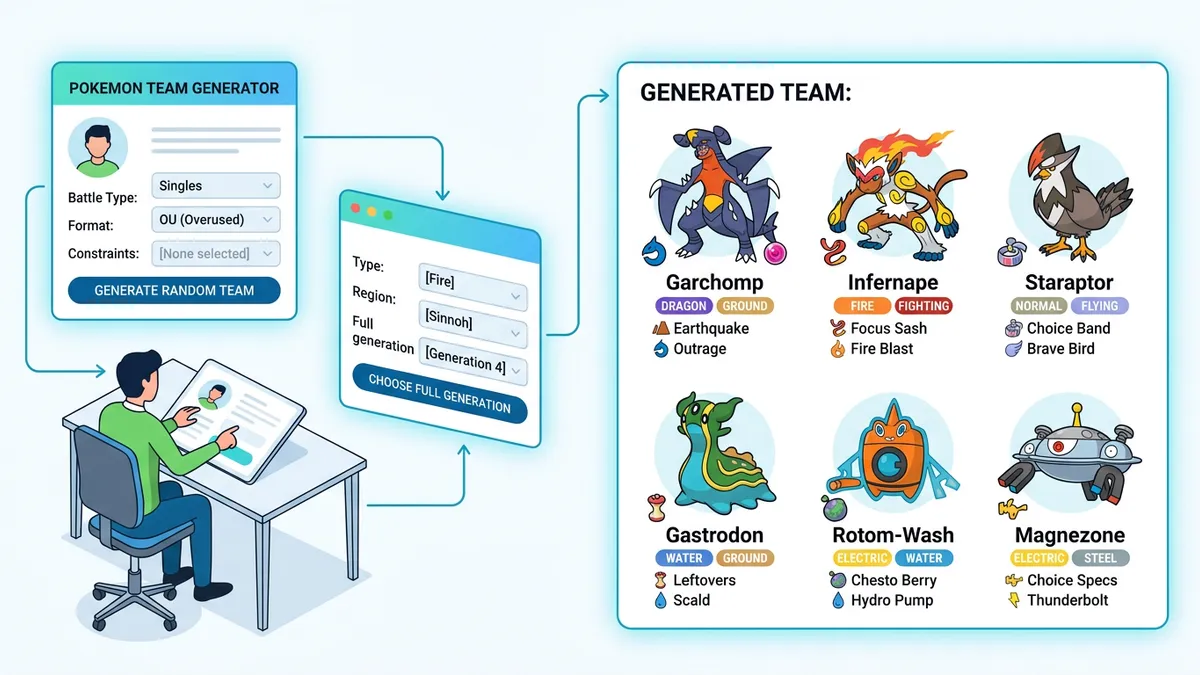
Toggling the type balancing option prevents the generator from stacking too many monsters of the same type. This checks your roster dynamically and replaces duplicates, ensuring you get a balanced spread of fire, water, grass, and defensive types automatically.
What is the Standard Base Stat Total for a Strong Team?
A strong team should aim for an average Base Stat Total (BST) of 500 or higher to compete effectively in standard battles.
Analyze Base Stat Bars
Base stats dictate how fast your monster moves and how hard they hit. Rarity and evolution stage affect these stats, ranging from weak early-route finds to legendary powerhouses. Utilizing the filter options to exclude legendaries helps you build a realistic team that relies on strategy rather than raw power in standard battles.
Identify Stat Gaps
The tool displays base stats for speed, attack, defense, and HP using color-coded bars. If your team's average Base Stat Total falls below 480, you can swap out weaker evolved forms for stronger options to balance your stats.
How Do I Plan a Nuzlocke Team Challenge?
You plan a Nuzlocke team challenge by filtering your selection to a specific generation or regional dex to match your game's rules.
Lock to Specific Generations
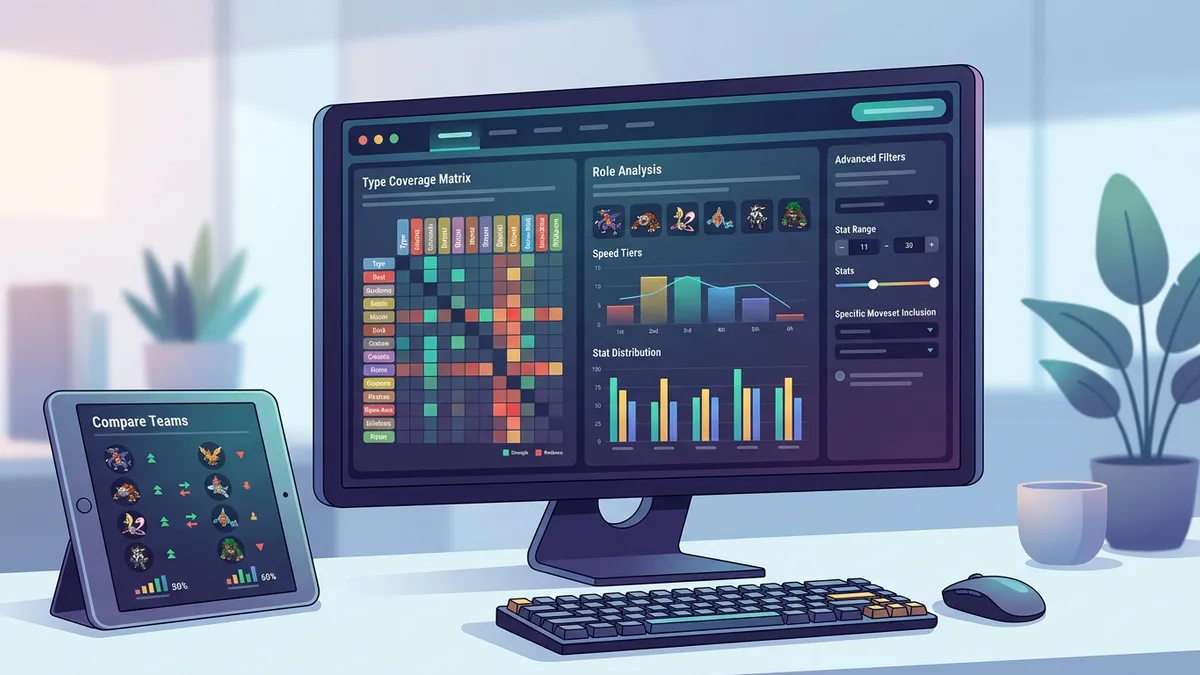
Hardcore rules dictate that you can only catch the first monster encountered in each new route. By selecting generations 1 through 9, you can lock your generator to match the exact regional dex you are playing. Over 74% of Nuzlocke players report using calculators to double-check their team's typing compatibility before entering boss battles.
Draft League Integrations
If you are playing in a draft league, generation locks let you limit the roster to match the specific tier format. This allows players to draft teams from Kanto, Johto, or Paldea without mixing unintended species into the generation pool when you plan a Nuzlocke team challenge.
Can I Replace Individual Members of My Team?
You can replace individual members of your team by using the reroll button on specific slots without losing the rest of your squad.
Fine-Tune Your Roster
If the generator hands you a monster that doesn't fit your layout, click the reload icon on that card to roll a new one. This allows you to fine-tune your team to fix major type gaps while retaining the core members you love. The tool stores your 5 most recent compositions in the history log so you never lose a good setup when you replace individual members.
Remove Weak Links
Click the close button on any card to drop a member entirely, reducing your active squad size. This lets you build partial teams of 3 or 4 monsters for specific gym battle rules, providing absolute flexibility for custom challenge runs.
Step-by-Step Instructions
- 1Open the Pokémon Team Generator on your device.
- 2Choose your desired team size from 3 to 6 members.
- 3Filter by a specific generation (Generations 1-9) or keep it set to all generations.
- 4Toggle Exclude Legendaries or Balance Types on or off.
- 5Click the Generate Team button to build your squad with stats and sprites.
- 6Review the Team Analysis panel to check type coverage and shared weaknesses.
- 7Click the replace icon on individual cards to swap out specific members.
- 8Click the Copy Team button to copy your full team roster to your clipboard.